


When you call a tech support number, a technician might help you. They use special software to control your computer from far away. That software is known as remote access desktop software. 


For moderate to complex issues, remote desktop connection software can save a lot of time. It can also help you access your own computer or your company's computer if you're in a different physical location.
As a small business owner, you may offer technical support to your clients if your product is computer-based. To make technical support easier, you may wish to use remote computer software.
In this article, we'll briefly explain what remote desktop software is. Then, we'll provide an overview of 24 of the best remote access software tools out there—some of which are available at no charge.
Jump to content in this section:
- Apple Remote Desktop
- Microsoft Remote Desktop
- Chrome Remote Desktop
- Imprivata
- TeamViewer
- RemotePC
- Splashtop
- RealVNC
- Radmin
- ShowMyPC
- Zoho Assist
- GoToMyPC
- ConnectWise Control
- Remote Utilities
- AeroAdmin
- AnyDesk
- Lite Manager
- Mikogo
- Anyplace Control
- ISL Online
- Impero Connect
- Parallels Access
- Jump Desktop
- RemoteToPC
What Is Remote Desktop Software?
Remote computer software lets one computer control another one. It can control the mouse and keyboard. This can happen over a network or the internet. Remote desktop sharing involves two computers:
- A local computer, also called the client. This is the computer that you'll be controlling through use of remote access software.
- A remote computer, also called the server. This is the computer where you'll enter the commands that you wish to use on the client computer.
While the idea of one computer being able to control another remotely may conjure up images of malicious hackers, it has many practical uses. It's particularly useful in technical support. It may be used by remote workers or workers who travel frequently.
Desktop sharing is great for online presentations and web meetings. The presenter can share information with many computers at once. They can show things without controlling the other computers. It can even be used for educational purposes.
You should know that most remote access software has security features. These make the connection safer. Such features may include:
- a limit on the number of users who can connect
- password protection
- encrypted data transmission
- gated access
- blacklisting of unwanted connections
When you start looking for the best remote computer software, check the security features. Different packages offer different protection levels. Choose the one that meets your needs.
20+ Best Remote Access Software Tools
To help you in your search for remote access software here's a list with an overview of some of the best remote desktop software for Windows and Macs:
1. Apple Remote Desktop


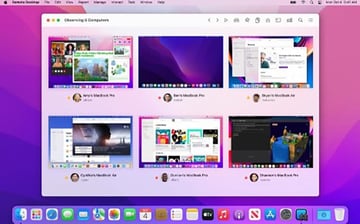
The Apple remote desktop is one of the best desktop remote software tools. It includes features that allow you to automate frequent tasks. There are also task templates you can reuse.
Also, the software can create application usage reports. These reports show you which programs are being used. User history reports tell you who has been using the network.
For each Mac that you'll be using Apple Remote desktop on you'll need to purchase a license. If you plan to use the software on many machines, you can buy a special license. This license lets you use the software on as many machines as you want. This remote desktop tool can be found in the MacOS App store.
2. Microsoft Remote Desktop


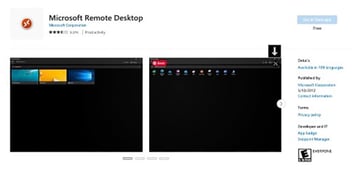
The Microsoft Remote Desktop is free remote desktop software that's available from the Microsoft store. This best free remote desktop software allows you to connect to machines remotely through a Remote Desktop Gateway on a secure connection.
This best free remote desktop software can be installed on up to ten devices with Windows 10 (or higher). Keep in mind, your devices must be turned on for it to work.
3. Chrome Remote Desktop


If Chrome is your browser, you may want to consider the Chrome Remote Desktop app for your remote access needs. This is another tool that provides free remote computer access through the web using a secure connection. This remote desktop free software supports multiple operating systems including Windows, Mac, and Linux.
This best free remote access software can be a great way to provide quick technical support. You can also log in to your own machine remotely.
4. Imprivata

If your industry requires high security, SecureLink may be the remote computer software that you need. Many businesses in strict industries like healthcare, retail, and finance use this software.
Even government agencies use it. The software has special security features tailored for each industry. This helps to keep your and your clients' information safe. It also makes sure to follow government rules.
5. TeamViewer

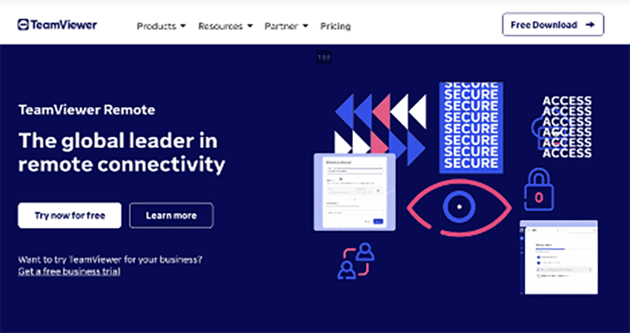
Here's another remote desktop software package to consider. Not only will TeamViewer allow you to share screens through your computer, you can also share through your iPhone and iPad as well. One of the advantages of this best remote desktop is that it allows you to connect securely without using a VPN.
This best remote access software for small businesses works well with many popular software programs. It can connect with Zendesk, SalesForce, and Amazon Workspaces, among others. A free trial download is available.
6. RemotePC
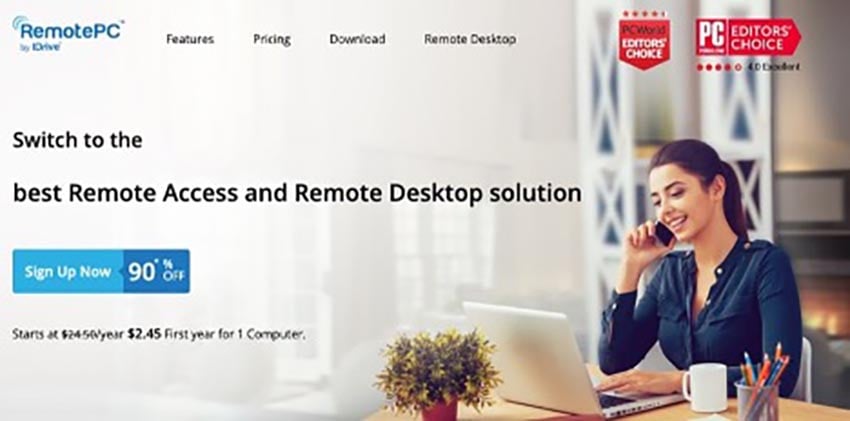


This top-quality remote desktop software works on any platform. It lets you safely reach your computer over the internet anytime you want.
With this desktop remote software, you can do more than just access a remote computer. You can also move files from the remote machine and even print documents from it. Remote PC uses TLS v 1.2/AES-256 encryption.
7. Splashtop


Splashtop remote computer software features strong TLS and 256-bit AES encryption. It's got several levels available.
At the business level, you'll be using this remote desktop tool to access your own computer. The next level up is for IT professionals and support teams. It lets them give technical help to their clients' computers and servers. Finally, there's an on-demand support level that allows you to access a client's machine with a code.
8. RealVNC


Here's another remote desktop connection software with 256-bit AES session encryption. This best remote access software for small businesses allows you to reach a computer from afar.
You can connect securely through the cloud or directly. Plus, VNC Connect supports remote deployment. It works on a wide variety of platforms from PCs to Linux and iOS to Android. It's also available in six languages including English, Spanish, and German.
9. Radmin


You can use Radmin remote computer software in several ways. It helps with tech support, reaching remote machines, or using your workstation when you are traveling. It's based on a client-server architecture.
Transfer files using drag-and-drop. You can also work on unattended machines. Transmissions are secured by AES256-bit encryption. Although, Macs aren't supported at this time.
10. ShowMyPC

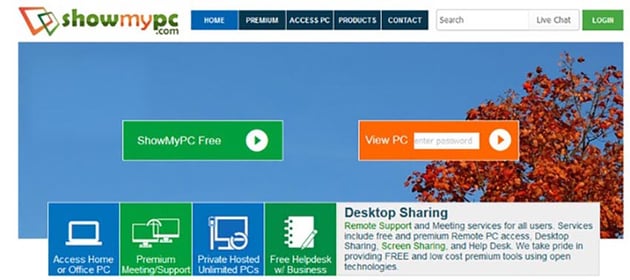
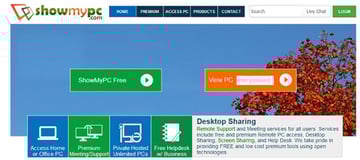
If you've got to help clients or have a meeting with people who are far away, try ShowMyPC. It offers desktop and screen sharing, plus helpdesk tools on their website. You can also use it for remote computer access.
This remote access software now supports Macs.
11. Zoho Assist

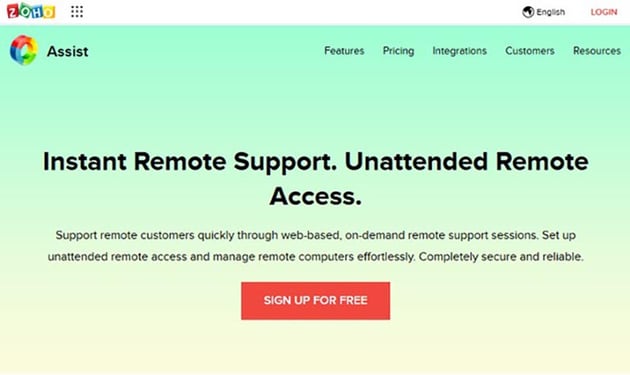
This remote desktop software is made by the creators of Zoho Office Suite. The suite has many useful tools like Zoho Write and Zoho Sheet. This tool offers the capability to offer web-based remote support as well as the ability to set up unattended remote access.
One nice Zoho Assist feature is that you can manage unattended computers remotely.
12. GoToMyPC


After more than 20 years, GoToMyPC has got the remote access capability down. It's easy to install. Plus, you can use it to transfer files between computers. If more than one monitor is connected a computer, this remote computer software lets you view all connected monitors.
13. ConnectWise Control


This remote desktop connection software has several popular features.
For example, it can be integrated with popular apps like Zendesk and Slack. You can also set it up for unlimited unattended access.
Or use it for remote meetings. This remote access software works on many platforms. These include Windows, Mac, Linux, Android, and Chrome OS.
14. Remote Utilities


The Remote Utilities software has strong security features. You can turn on extra security options if needed. It works on networks or through a VPN on the internet. Also, it now has two-factor authentication.
Also, you can scale the number of Remote Utilities installations to meet your needs and configure it to your requirements. It also supports file transfer and remote printing. For subsequent data transfer it uses TLS 1.2 encryption.
15. AeroAdmin


AeroAdmin offers a free version of its remote desktop software as well as a premium version. One of this remote control software free strengths is that all you need to run it is an executable file.
It works on computers connected through a network as well as through the internet. Also, you can set it up to access unattended computers. All data transmission is encrypted using AES and RSA algorithms. The executable has a small footprint of only 2 MB.
16. AnyDesk
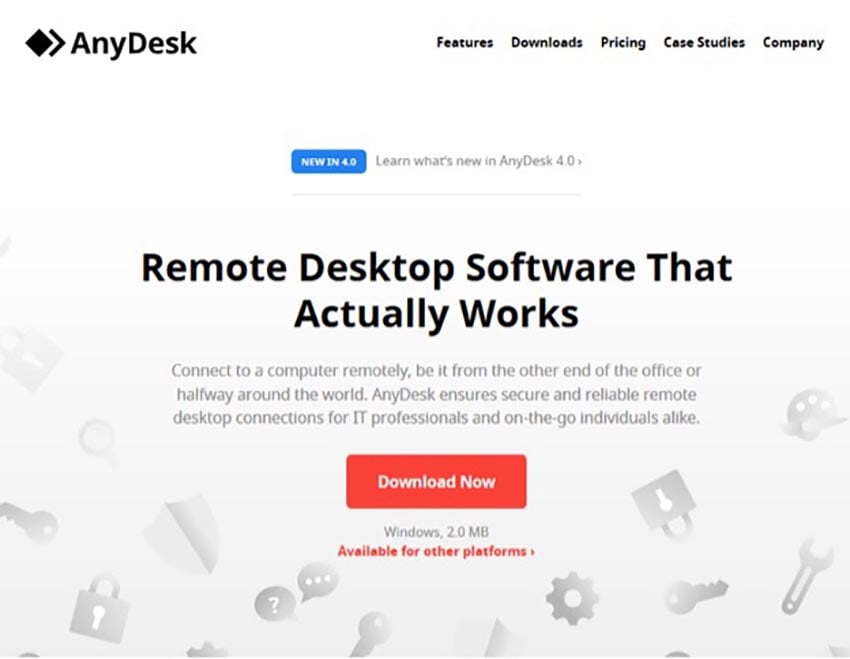
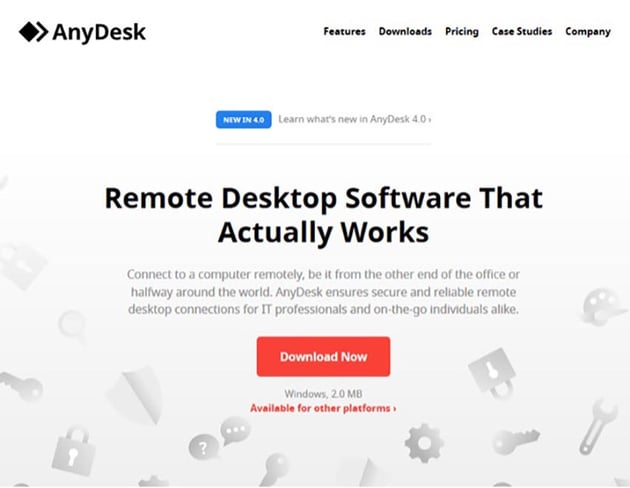
AnyDesk remote desktop software lets you access remote machines efficiently and quickly through a network connection or through the internet. It works with a variety of platforms and even mobile devices. You can use it to transfer files, collaborate, and more.
Security features include encryption, Single-Sign-on (SSO), and two-factor authentication. Use it for online collaboration, presentations, and more. It also features built-in file transfer.
17. Lite Manager
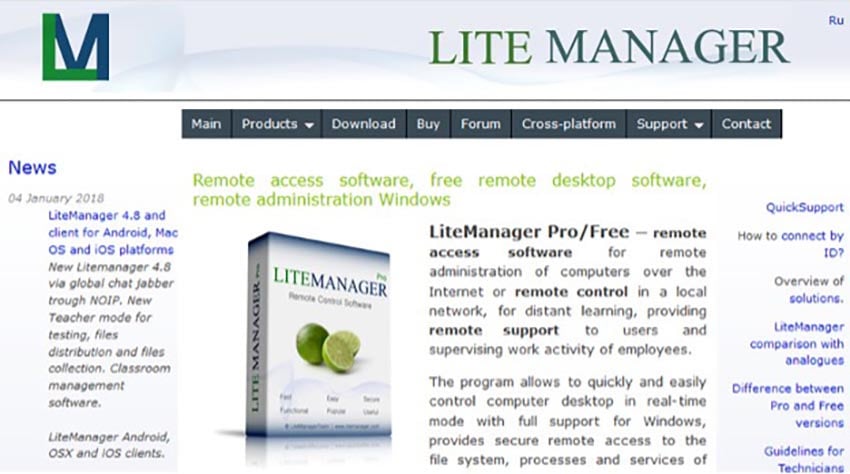
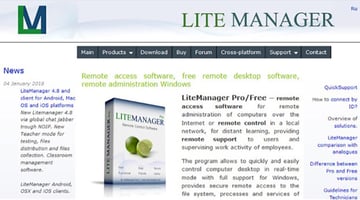
Here's another remote desktop software where you pay by the license or where you can use the free remote access software version.
It's got many popular features for remote access. You can control Windows devices from your desktop. It also lets you do remote installations and updates. Multiple languages are supported. This package features a 2048-bit ASA signature key and a 256-bit session key.
18. Mikogo
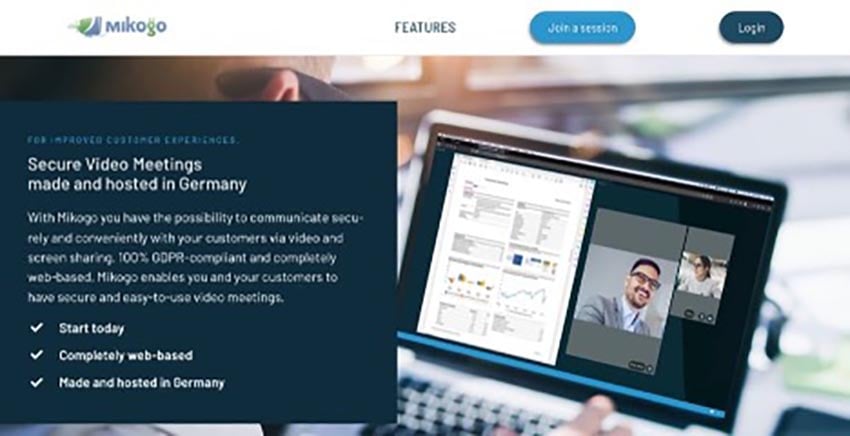
You can use this remote computer software for many things. It's good for meetings, web conferences, and online presentations. You can also use it for technical support.
Use this tool through a website you access by entering a session ID. It features desktop sharing, remote control, session recording and playback. There's even a whiteboard and chat feature. Mikogo supports Windows, Mac, and Linux. It offers 256-bit AES encryption.
19. Anyplace Control
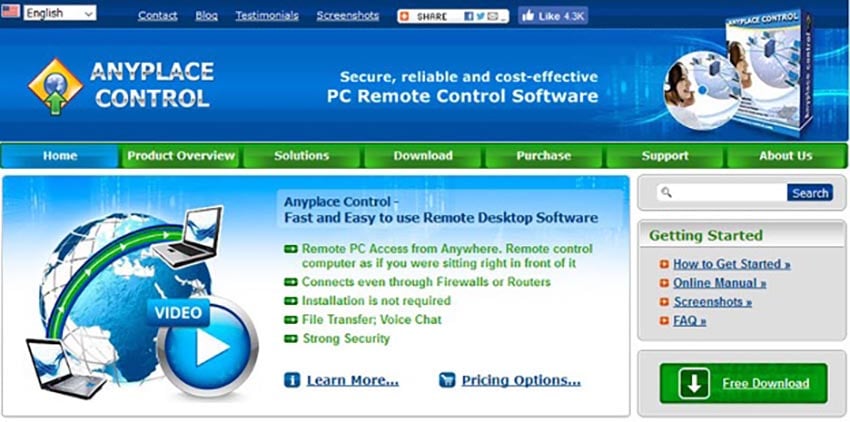
Use this remote computer software for PC to share screens, control a remote computer, and transfer files. This remote access tool works through the internet or through a LAN or WAN.
Security features include double password protection, IP filtering, and traffic encryption. It also features voice and text chat.
20. ISL Online
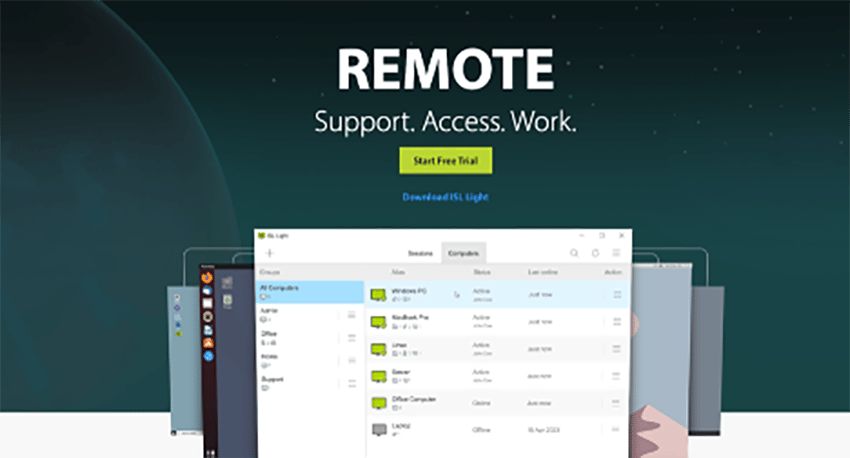
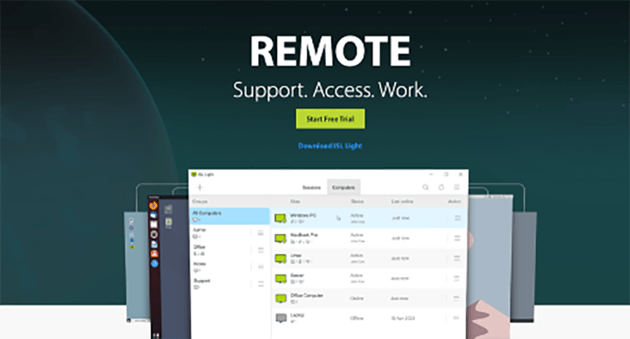
ISL Online is a remote desktop software that allows users to remotely control computers or mobile devices, provide technical support to clients, and work from home. It is a secure and reliable application that is easy to use and offers rich features. Users can organize remote computers into groups according to location, function, operating system, or any other criteria they specify.
ISL Online also offers a Remote Desktop Manager integration that enables IT professionals and teams to manage all their remote connections and virtual machines in one centralized tool. The software offers various ways to connect. Users can add a chat button to their website to start a remote desktop session from a live chat and take control of their customer's desktop to offer support.
21. Impero Connect
Impero Connect is a remote access software that provides powerful remote access and KVM control to nearly every platform device, in even the most complex environments. It enables IT teams to easily support and manage workstations, servers, POS devices, embedded systems, virtual environments, VDI desktops and mobile devices.
The software ensures security and compliance by using end-to-end 256-bit AES encryption, advanced authentication, and granular access rights management. Impero Connect helps drop support costs, improve issue resolution, and boost customer satisfaction by supporting all devices and users with one consolidated solution.
22. Parallels Access
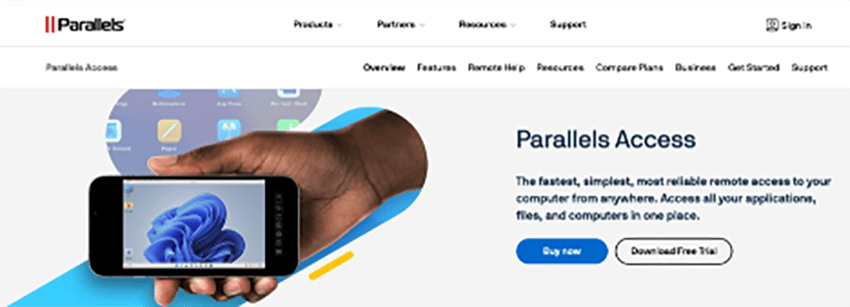
Parallels Access is a remote desktop software that allows users to access their computer from anywhere, using any device, including iOS and Android. It offers a fast, reliable, and secure connection to the user's computer, enabling them to access all their applications, files, and computers in one place.
Parallels Access also provides a universal file manager that allows users to manage and access all their files in the cloud, on remote computers, and on local devices. It also offers a full-screen view of apps, making it easier on the eyes, and users can open or switch between apps with just a tap. Parallels Access is easy to deploy, configure, and maintain.
23. Jump Desktop
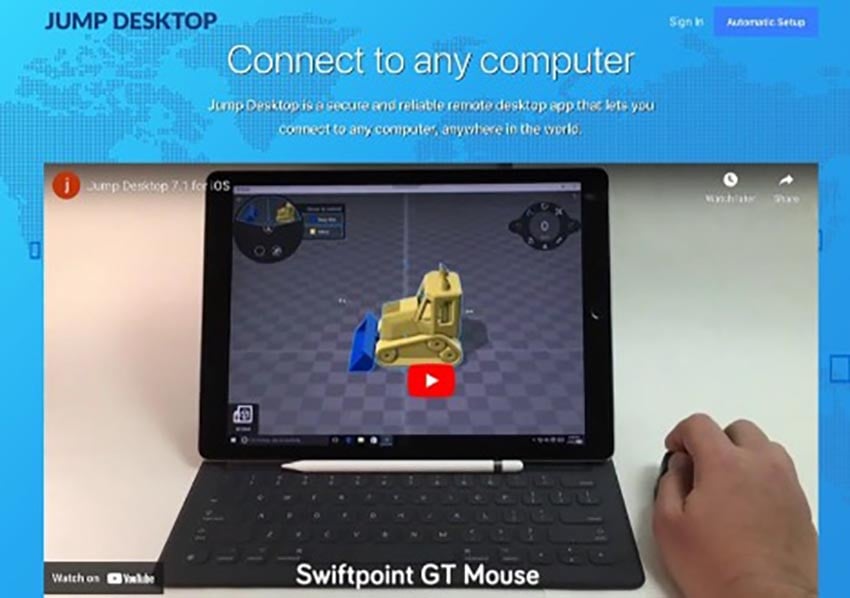
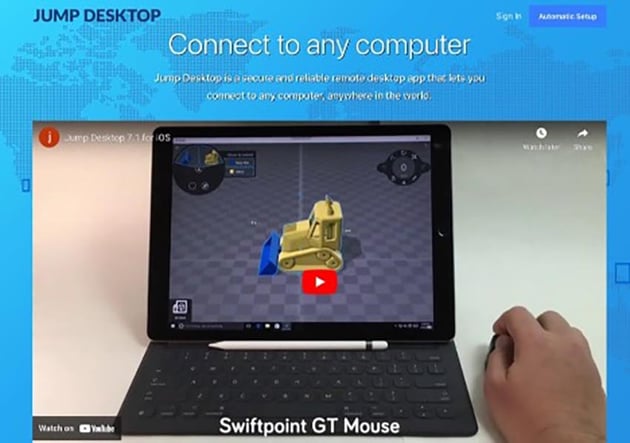
Jump Desktop is a versatile remote desktop application, allowing seamless connections to computers globally using RDP and VNC. Designed for both individual and team usage, it offers a user-friendly interface across devices, supporting features like multitasking, full Bluetooth keyboard compatibility, and audio streaming for individuals.
Teams benefit from its robust cloud infrastructure, streamlining group organization, access controls, and security features like Single Sign-On. On Mac, it enhances productivity with features like keyboard remapping to apply Mac shortcuts on Windows.
24. RemoteToPC
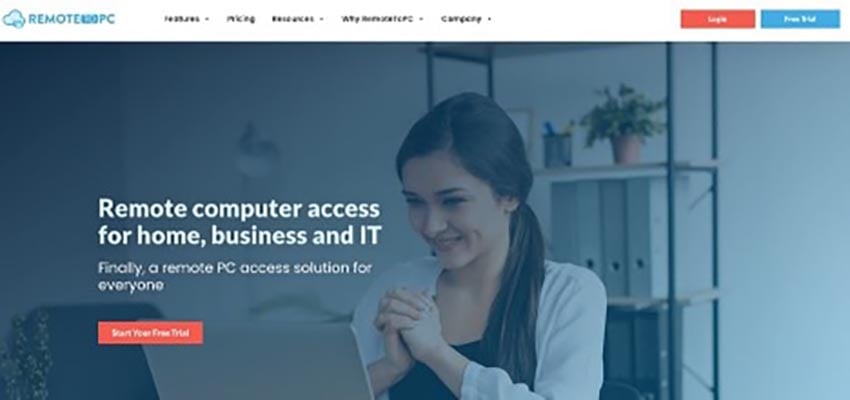
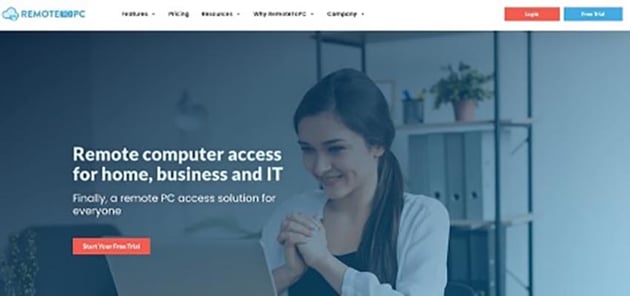
RemoteToPC is an all-inclusive remote access solution suitable for IT firms of every size. It enables users to access their office PCs from anywhere, facilitating file access, collaboration, and remote IT management.
With features like email alerts for system usage, remote printing, drag-and-drop file copy, and chat, it streamlines IT support. The platform offers tiered plans, ranging from access to 10 remote PCs in the Basic plan to 100+ in the Enterprise plan, including user management for IT teams. RemoteToPC ensures easy, secure unattended remote access.
Gain Access to High Quality Creative Assets (With Unlimited Use)
We all want to save time and provide high quality content in our creative jobs. By using professional creative assets in your projects are a must if you're trying to save time. Envato Elements has just what you need to supercharge your next project and save you time.
Envato Elements is the best place on the web for creative tools of all types. For a low monthly fee, you get unlimited downloads of:
- PowerPoint templates
- photos
- fonts
- videos
- and much more
All these resources can be used in your next project.
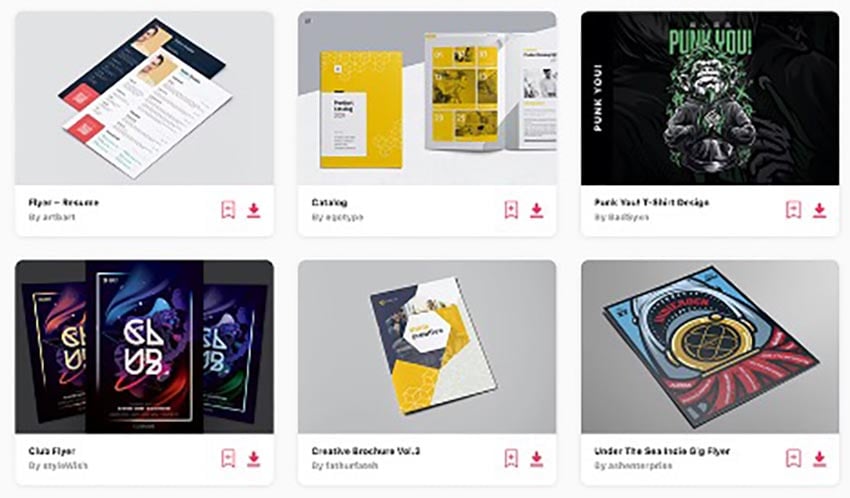
Elements is one of the best values out there for creatives today. With the unlimited downloads, you'll be able to try out all types of options in your upcoming projects.
Here's how you can benefit from using Envato Elements:
- Save money by not having to hire professional graphic designers.
- Save time by starting with an already professional design.
- Generate new ideas with all the fresh creative assets.
- Focus on other parts of your creative project.
Get Your Desktop Remote Software Today!
You've just learned about remote computer software and how it's used. Also, we've explored over 20 of the best remote desktop software for Windows and Macs as well as some free remote desktop software options. If you're choosing the best remote desktop software for your business, start with the list in this article. It will help you find the perfect tool for your needs.
Looking for high quality creative assets for your next project? Envato Elements has thousands of presentation templates, stock videos, and much morefor you to use.
Editor's Note: This article was originally published in October of 2018. It's been reviewed and revised for accuracy by Daniel Strongin.
 By
By


