
 Lessons: 14Length: 1.4 hours
- Overview
- Transcript
2.3 Slides and Slide Settings
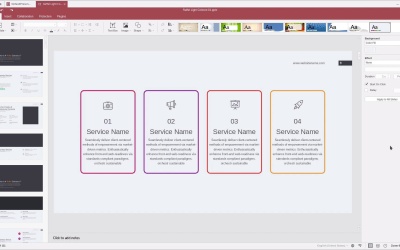
We’ll now get into the fundamentals of presentation creation in OnlyOffice: slides and their settings. In this lesson you’ll learn how to work with the Presentations slides panel, and how to manage the various styling and layout settings available for each slide.
Related Links
1.Introduction
1.1Welcome to the Course00:55
1.1
Welcome to the Course
00:55
2.Getting Started
2.1Installation Options05:53
2.1
Installation Options
05:53
2.2Interface Overview07:10
2.2
Interface Overview
07:10
2.3Slides and Slide Settings09:46
2.3
Slides and Slide Settings
09:46
3.Adding Content
3.1Text08:20
3.1
Text
08:20
3.2Text Art06:47
3.2
Text Art
06:47
3.3Images10:49
3.3
Images
10:49
3.4Shapes04:48
3.4
Shapes
04:48
4.Extras
4.1Themes and Color Schemes05:21
4.1
Themes and Color Schemes
05:21
4.2Tables06:01
4.2
Tables
06:01
4.3Charts04:09
4.3
Charts
04:09
4.4Collaboration04:38
4.4
Collaboration
04:38
4.5Working With an Elements Presentation06:28
4.5
Working With an Elements Presentation
06:28
5.Conclusion
5.1Wrapping Up03:47
5.1
Wrapping Up
03:47


