


Are you struggling with your social media management? Do you want to know what the best social media marketing tools are? Check out Envato for creative assets to add to your social media posts and videos.



Social media management tools come in all shapes and sizes. Choose the most basic ones to quickly analyze a simple set of data or schedule a week's worth of content across social media profiles.
Or you can find more advanced tools that'll let you:
- track your best performing content
- monitor your brand mentions and keywords
- batch content
- and a lot more
Then, there are also tools that don't belong to the social media management category. But they work alongside them to ensure your social media profiles paint the perfect impression of your brand.
In this article, we highlight helpful tools which will save you time, help you work more efficiently, track results, and improve your social media efforts.
What to look for in a social media tool
Choosing the right tool is crucial for enhancing workflow efficiency. When evaluating potential social media tools, consider the following key aspects:
-
Comprehensive Dashboard: A good social media tool should offer an intuitive and comprehensive dashboard that allows you to monitor many platforms. This feature streamlines the process of tracking posts, engagement, and analytics across different channels.
-
Scheduling Capabilities: Effective time management is essential in social media. Look for tools that provide advanced scheduling options, enabling you to plan and automate posts ahead of time. This not only saves time but also ensures a consistent online presence.
-
Analytics and Reporting: Understanding the impact of your social media efforts is vital. Opt for tools that offer detailed analytics and reporting features. These insights can guide your strategy, showing you what content resonates with your audience and why.
-
Engagement Features: Engagement is the heartbeat of social media. Tools that help you interact with your audience – such as responding to comments, messages, and mentions – can improve the effectiveness of your social media management.
-
Collaboration and Team Features: If you're working in a team, the ability to collaborate efficiently is indispensable. Look for a tool that supports many users, task assignments, and clear communication channels within the platform.
By focusing on these critical features, you can select a social media management tool that not only fits your current workflow but also scales with your brand’s growth.
The right social media tools + business strategy
Before jumping into this post to find the best social media management tools to optimize your social media workflow, read the article below. It's important to make sure you've got a solid initial social marketing strategy that fits your small business goals first:


The right social media management tools will help you put your marketing strategy into action efficiently and consistently—with a streamlined, time-saving workflow.
- X Pro
- PostPlanner
- Buffer
- HootSuite
- Hopper HQ
- Social Champ
- Meet Edgar
- SproutSocial
- Rignite
- Sendible
- Audiense
- Mention
- Zapier
- Trello
- Feedly
Basic social media scheduling tools
1. X Pro
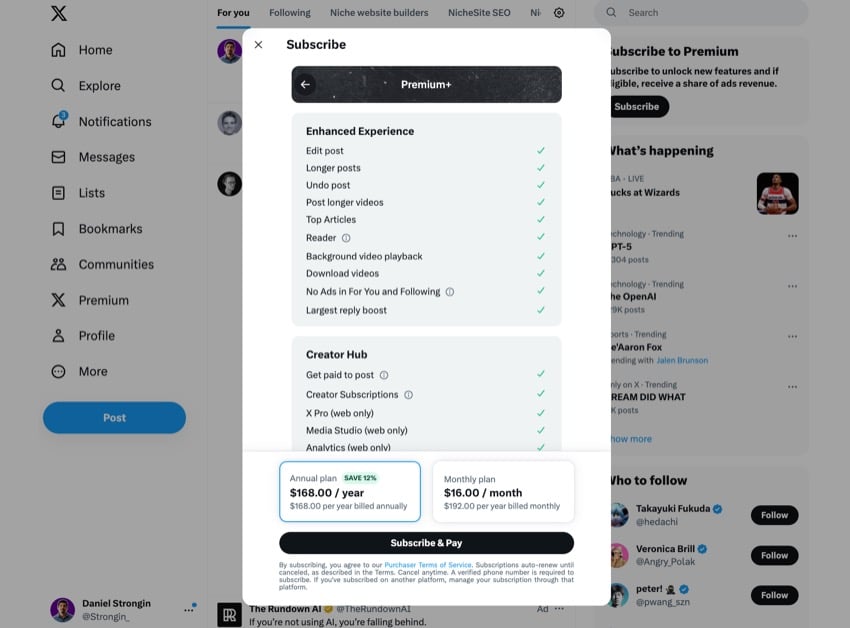
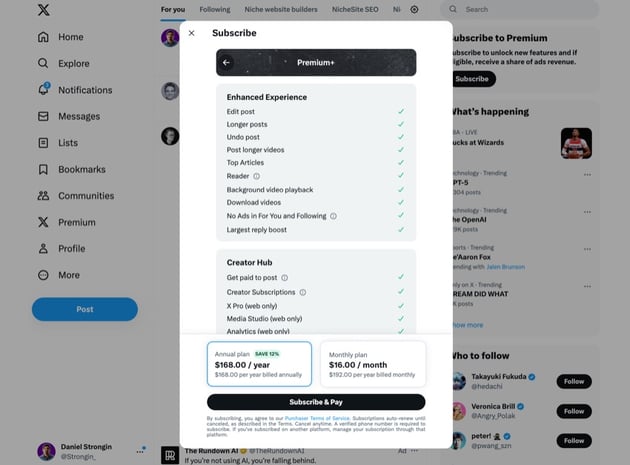
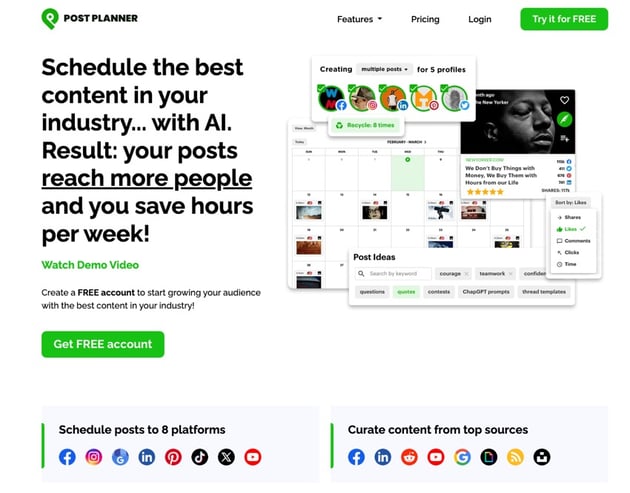
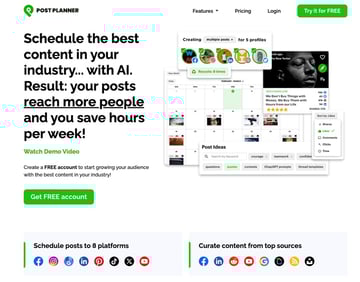
2. PostPlanner

3. Buffer

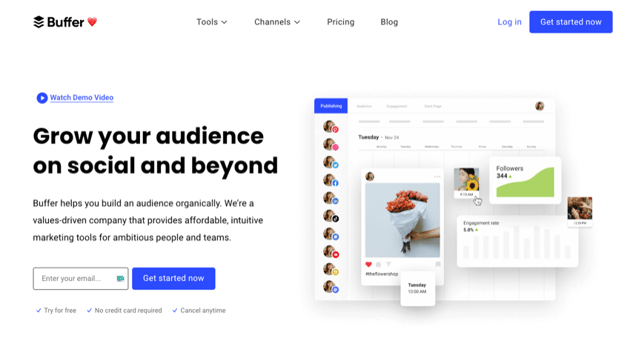
Buffer is a complete social media management tool that allows users to schedule posts across various platforms. It supports channels such as:
- X
- TikTok
- Google Business Profiles
The platform offers a unique feature of creating custom schedules for each social media profile, optimizing the timing of posts. It also provides a queue view to visualize all the scheduled content for a particular channel.
Buffer includes specific features for different platforms. For instance, you can schedule posts, reels, and stories to Instagram business accounts.
Buffer is a paid and free social media management tool. The Essentials plan costs $6 per month for each social channel.
4. HootSuite
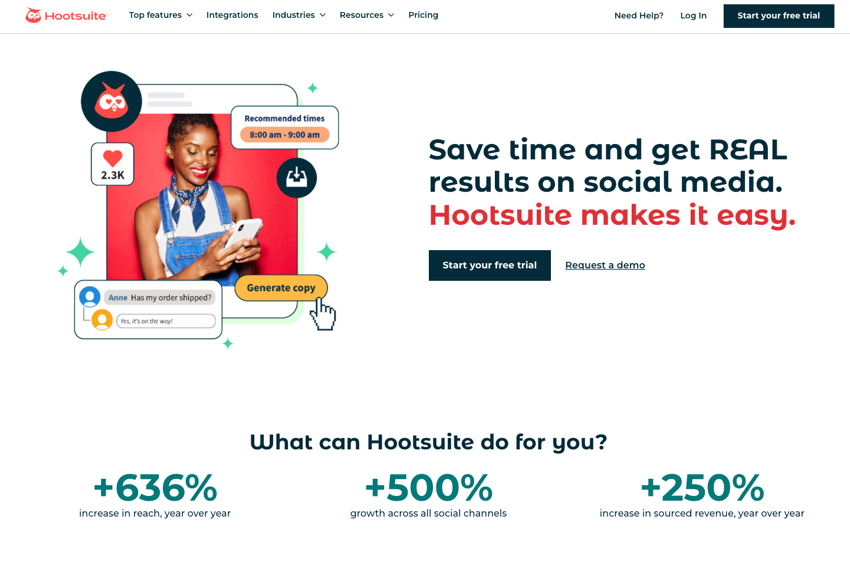


Hootsuite is a multifaceted social media scheduling tool. It streamlines creating, scheduling, and publishing posts across various social media accounts, including TikTok, from one central dashboard. This unified approach saves valuable time. It also ensures a consistent brand voice and presence across all social platforms.
The platform offers extensive monitoring tools, allowing users to keep track of brand mentions, industry trends, and engage with their audience in real-time. This functionality is crucial for brand growth and enhancing customer satisfaction.
Hootsuite’s pricing varies depending on the plan. The Professional Plan costs $49 per month, the Team Plan is priced at $179 per month, and the Business Plan comes in at $739 per month.
5. Hopper HQ
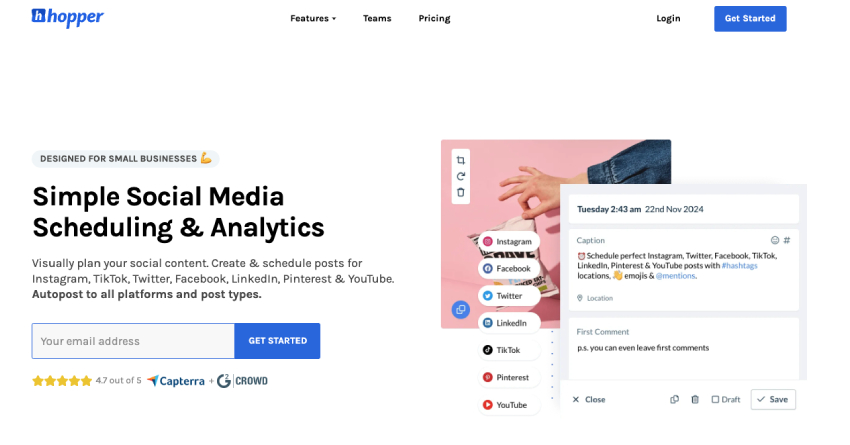
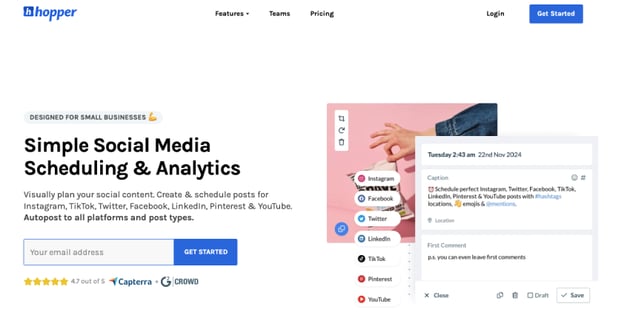
Hopper HQ is an easy-to-use social media scheduling tool perfect for small businesses that want to keep a consistent presence on popular social media channels at a fair price. This tools helps you plan, create, and schedule your content on Facebook, Instagram, TikTok, LinkedIn, X (formerly known as Twitter), Pinterest, and YouTube Shorts.
Hopper HQ is simple and allows you to seamlessly bulk and cross-schedule your content to the different social media platforms. With its visual grid planner, in-app editing tools, and integrations with third-party apps, you can be sure that your content is visually appealing and unique to your audience.
If you're part of a team, its collaboration features and workflow approval process, help you to be perfectly aligned and in sync throughout the creation and scheduling process.
Hopper HQ's pricing starts from $16.67 per month for one user with the Starter plan, then the Growth plan for 3 users is $30/month, and the Advanced plan for 6 users is $53.33/month.
6. Social Champ
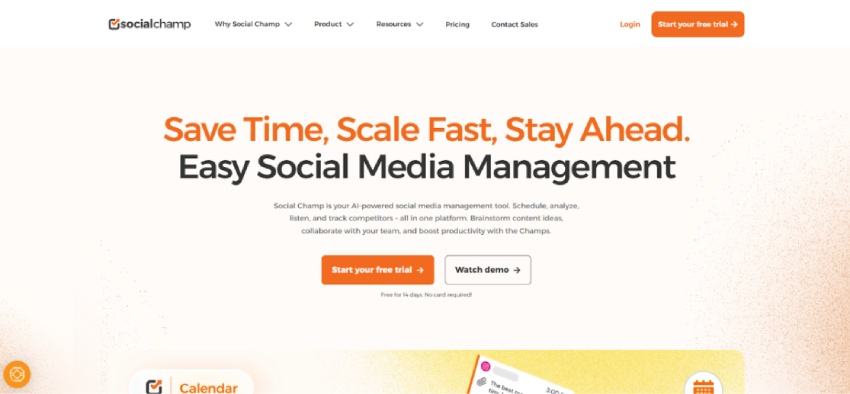


Social Champ is a social media management tool that simplifies publishing, scheduling, and analyzing posts across platforms like Facebook, Twitter (X), LinkedIn, Instagram, Pinterest, YouTube, Google Business Profile, TikTok, and WhatsApp Business. With its clean, intuitive interface, it's suitable for individuals, marketers, and teams managing multiple social media accounts from one dashboard.
The platform offers a robust set of features including bulk scheduling, content recycling, auto RSS feeds, and a visual content calendar. Its AI-powered tools help generate captions and suggest optimal posting times, while additional features like a social inbox, post approvals, team collaboration, and advanced analytics make it a versatile option for businesses and agencies.
Social Champ offers a Free plan with limited features, while paid plans start at $5/month for individuals, $9/month for growing teams, and custom pricing for enterprise-level needs. All plans include unlimited post scheduling, with varying levels of access to analytics, collaboration tools, and support.
7. Meet Edgar
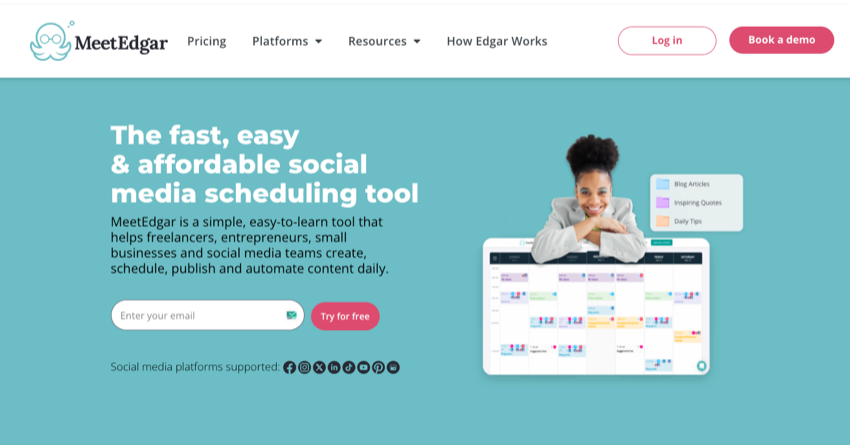
Meet Edgar is a social media marketing tool that automates content for your Facebook, X, Instagram, TikTok, and LinkedIn accounts. Use it to categorize and organize your content in a library for easy access and management.
When connected to your social accounts, Meet Edgar actively gathers your content, rather than waiting passively for instructions. This feature ensures a constant flow of content to keep your followers engaged.
One of the key features of Meet Edgar is its ability to schedule recurring posts. This means that if it runs out of new updates, it'll re-share older ones, ensuring your social presence is always active.
In terms of pricing, Meet Edgar offers two plans:
- The Eddie Monthly Plan costs $29.99 per month or $299 annually
- The Standard Edgar plan is priced at $49.99 per month
Advanced social media tools with scheduling, reporting, and monitoring features
8. SproutSocial
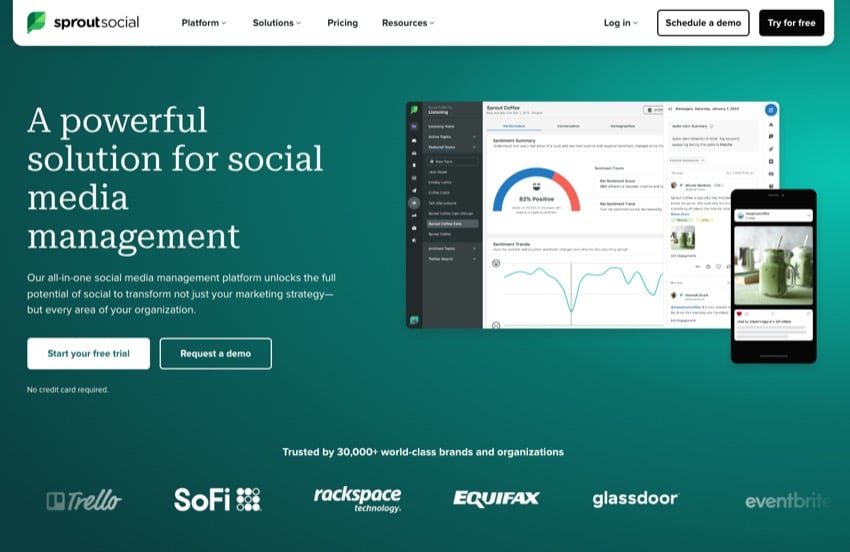

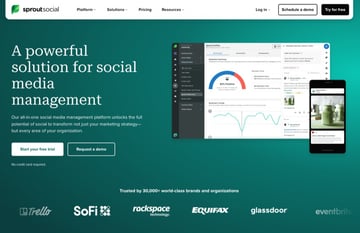
Sprout Social is an all-in-one social media content manager. It offers features for publishing, scheduling, and organizing content across multiple platforms. It includes a social content calendar, content library, and tools for monitoring social media mentions and engagements. Users can manage reviews and use AI-generated responses for efficient communication, alongside social CRM tools.
The platform delivers detailed analytics and reporting for social media performance and integrates with major platforms like:
- X
- TikTok
- and others
Sprout Social's pricing varies across plans, with the Standard plan at $249/month, Professional at $399/month, and Advanced at $499/month, plus extra costs per user. This makes it a comprehensive tool for diverse social media management needs.
9. Rignite


Rignite is a complete social media marketing app. It offers functionalities such as:
- social media monitoring
- post scheduling
- multi-user collaboration
- multi-account management
- customer engagement
- social media analytics
- content management
Use this platform to create social marketing campaigns and manage daily social media activities. It provides a rich set of tools that make it easy to stay organized and on top of everything.
Rignite also offers features for team collaboration, making it easier to coordinate and manage social media efforts across multiple team members. It also provides analytics tools to track the performance of your social media campaigns and activities.
Rignite offers a monthly plan at $28 per user for the Silver plan and $49 per user for the Gold plan.
10. Sendible
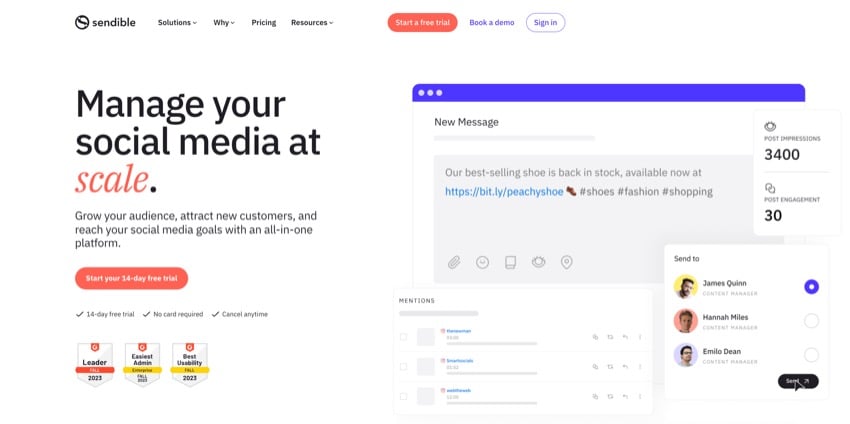

Sendible is a social media management tool designed to help businesses, individuals, and organizations manage their social media presence across multiple accounts. You can schedule content, engage with your audience, and measure post performance.
The platform supports a variety of social networks such as Facebook, Instagram, X, LinkedIn, YouTube, and Google Business Profile. It also offers insightful analytics and reporting features that enable users to examine their campaign results, track social media activity, and make data-driven decisions.
Sendible’s Compose Box is a notable feature that helps users schedule their social media posts in bulk, preview posts on each platform, and post at optimal engagement times throughout the day.
Sendible offers several plans starting from $29 per month, making it a budget-friendly option for different sizes of businesses and agencies.
11. Audiense

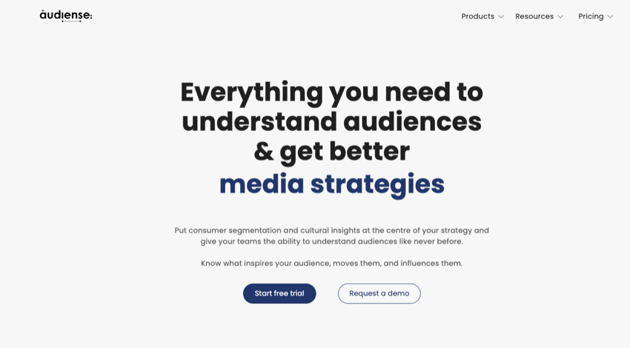

Audiense is a social media management service that offers social media managers a wealth of information to enhance their strategies. It provides insights into audience behavior, helping to tailor content and engagement tactics to the most relevant consumer segments.
For those managing social media accounts, Audiense can be a game-changer. It uncovers real affinities based on consumer behavior, allowing for more targeted and effective social media campaigns.
The platform also offers digital intelligence, using data from various digital activities and interactions. This helps social media managers understand their audience’s preferences and interests, enabling them to create more engaging content.
As for the cost, Audiense has two pricing tiers, ranging from $39 to $696 per month, making it a versatile tool for both small businesses and larger corporations.
12. Mention
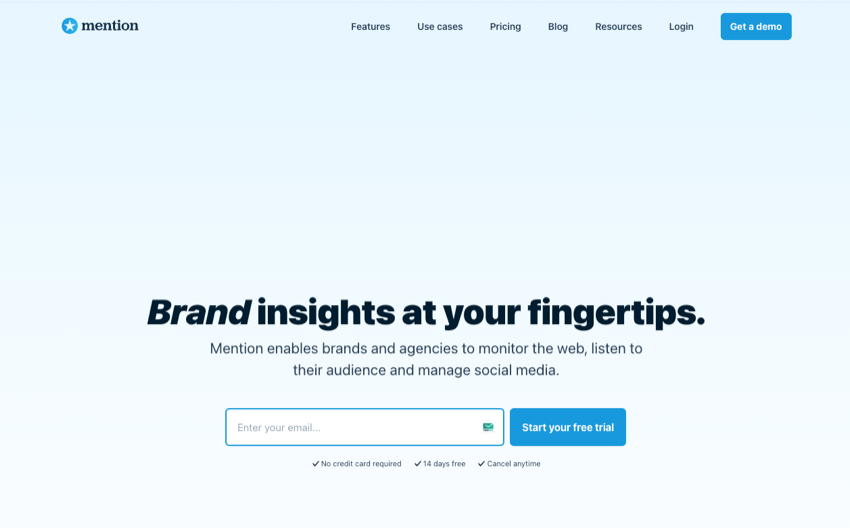

Mention is a comprehensive tool designed to help brands and agencies monitor the web, listen to their audience, and manage social media. Use it to easily track over a billion sources across the web daily including:
- press articles
- review sites
- forums
- blogs
The platform also enables users to listen and make sense of posts across social media, uncovering trends in conversation and filtering and analyzing data from X, Facebook, and Instagram. This helps brands to engage their audience in a relevant way and grow their brand online.
Plus, Mention offers features for competitive analysis, allowing users to track and compare key metrics of competitors. It also provides custom insights using filters and various displays to draw insights on what’s happening around your brand.
Mention offers several plans. The Solo plan costs $49 per month, the Pro plan is priced at $99 per month, and the ProPlus plan is available for $179 per month.
Timesaving tools to curate content and automate tasks
Discover tools that simplify social media management by automating tasks and curating content. This makes your workflow more efficient and effective. From automation with Zapier to content organization with Feedly, these content calendars are essential for streamlining your social media strategy.
13. Zapier


Zapier, an online automation tool, streamlines social media management by connecting different apps to create automated workflows. Post content across platforms, track mentions, and synch data with other business apps. Users can automate sharing posts from Instagram to X or Facebook and use conditional logic to tailor activities based on audience behavior.
Offering plans starting at $19.99/month when billed annually, this social media marketing tool is a cost-effective solution for enhancing efficiency in managing social media accounts, making it suitable for various budget ranges.
Learn more about how to work with Zapier and set up app workflow integration:

 What Is Zapier? How to Automate Your Business Tasks Better


 How to Master Zapier Integration to Automate Your App Workflows
14. Pocket
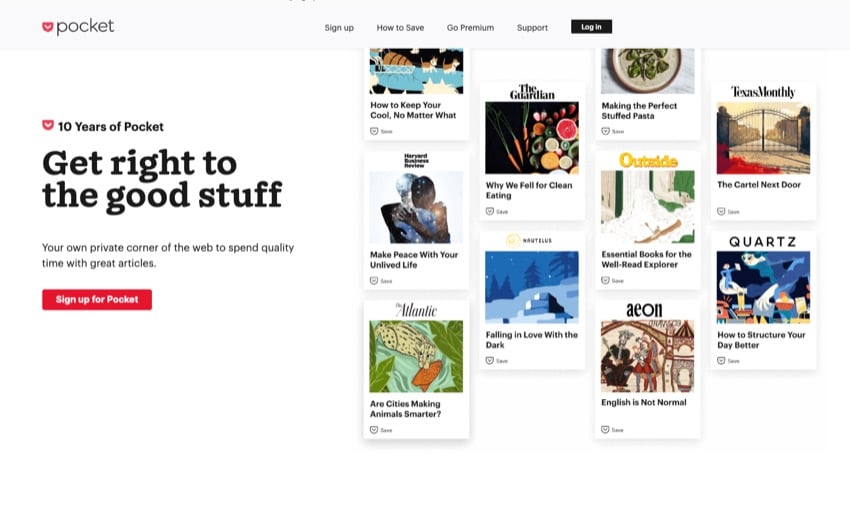

Pocket is a versatile social media content manager. Use it save and organize content from across the web. It provides a personal library where you can store articles, news, and videos from any device or publisher.
The app offers a unique reading, watching, and listening experience designed for calm eyes, free hands, and fresh focus. It also features an audio playback option, allowing you to listen to articles directly within the app.
Pocket’s latest updates have made it simpler than ever to discover and organize high-quality content that aligns with your unique interests and passions. It offers a new home experience, from your saved content to the articles and curated collections.
Pocket is a free social media marketing tool, but it also offers a premium option. The Premium version costs $4.99 per month or $44.99 per year.
15. Trello
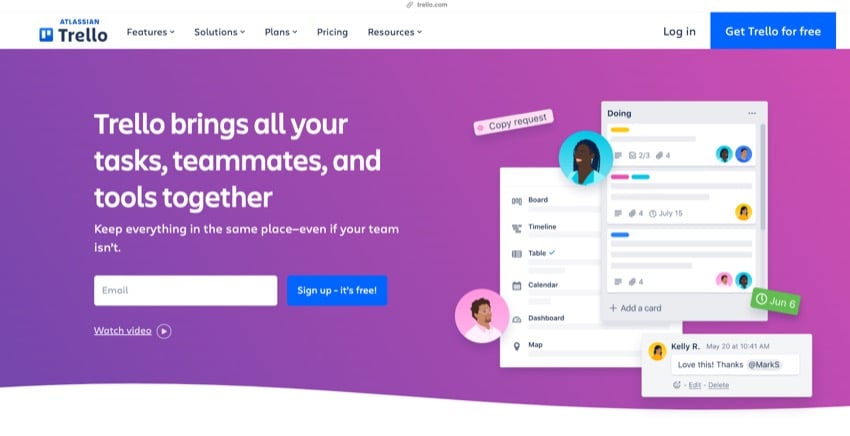


Trello is an excellent tool for managing social media. It provides a visual platform to plan, track, and manage social media content across different platforms. With its system of boards, lists, and cards, you can create a content calendar, assign tasks to team members, and monitor the progress of each post.
Each card can represent a social media post. Use the cards to attach images, write captions, schedule posting times, and assign it to a team member. This makes it a great social media marketing app.
Trello offers four plans:
- Free
- Standard ($5 per user/month if billed annually)
- Premium ($10 per user/month if billed annually)
- Enterprise ($17.50 per user/month if billed annually).
16. Feedly

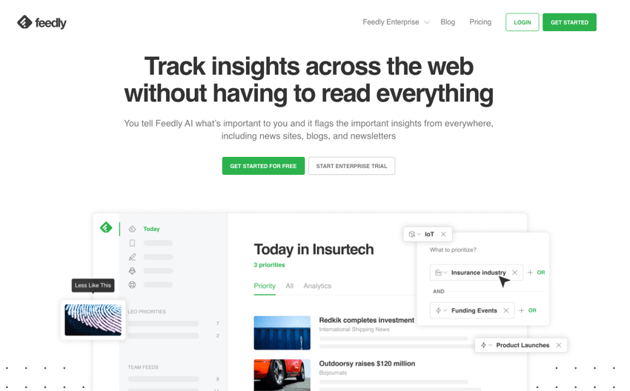
Feedly is a powerful tool for managing social media content. It aggregates content from various social media platforms, blogs, and news sites, allowing users to stay updated with their interests.
By organizing and saving content, Feedly aids in planning and scheduling social media posts. Shared boards and comments help team collaboration, making it easier to manage multiple social media accounts.
Feedly’s AI, Leo, is particularly useful for social media management. Use it to discover new sources, focus on topics, and mute irrelevant information, ensuring that your social media feeds are always relevant and engaging.
This free social media management tool offers its basic features for free. For more advanced social media management features, Feedly offers Pro and Pro+ plans starting from $6 per month.
Find more creative tools on Envato
Have you found the right social media management tools for your business? Now you'll need plenty of creative assets to add to you posts and videos to look professional and attract the attention of your audience.
Envato has just what you need to supercharge your social media posts and save time. Plus, it's the best place on the web for creative tools of all types.
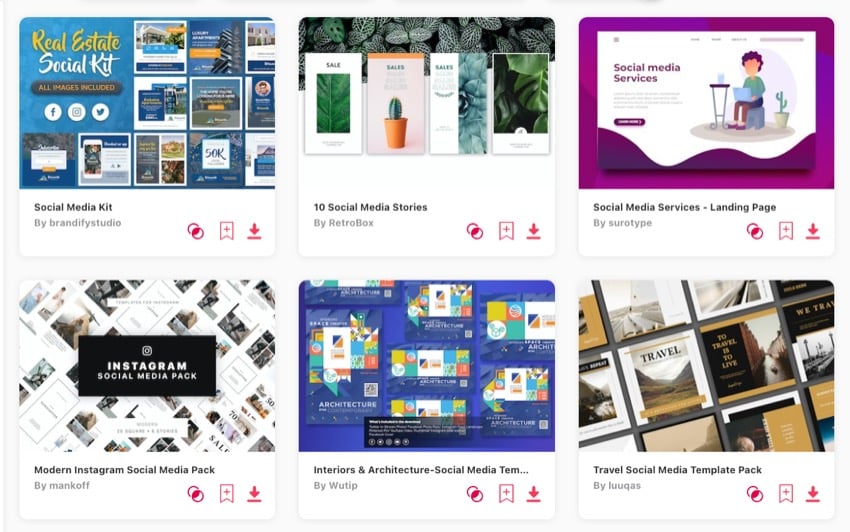

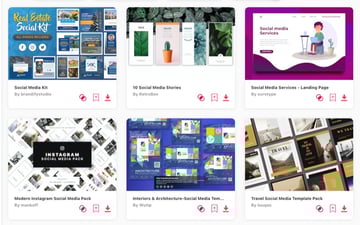
Get unlimited downloads of stock video, graphic templates, and more. All for a low monthly fee!
Envato has thousands of high-quality creative assets that you can use for all your upcoming projects.
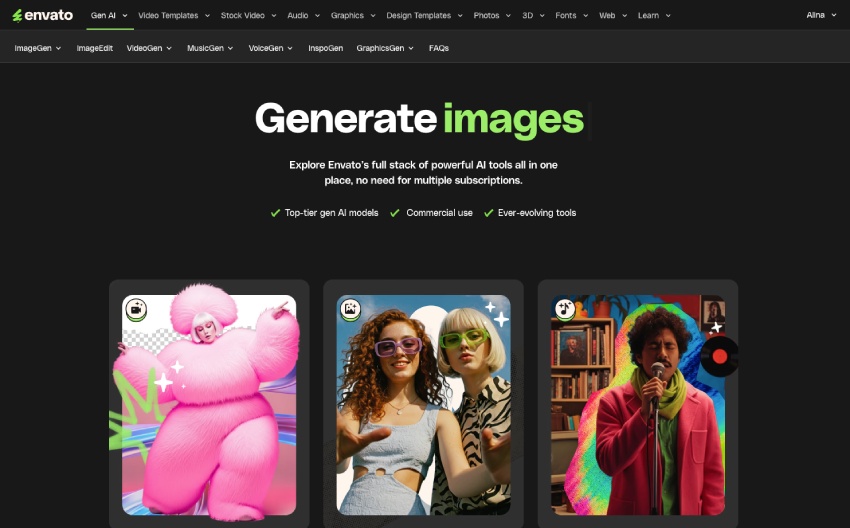
Plus, with Envato you can take advantage of our new AI stack to create the exact creative assets you need.
Choose the right tool for your social media strategy
 By
By


