


Borders are easy to add in PowerPoint as a way of bracketing the most important content on the slide. In this video, I'll teach you how to use image borders in PowerPoint PPT presentations in 60 seconds.
How to Quickly Add PowerPoint PPT Border Designs
Note: Watch this short tutorial screencast or follow the quick steps below, that compliment this video.
1. Select an Image Border Format Option
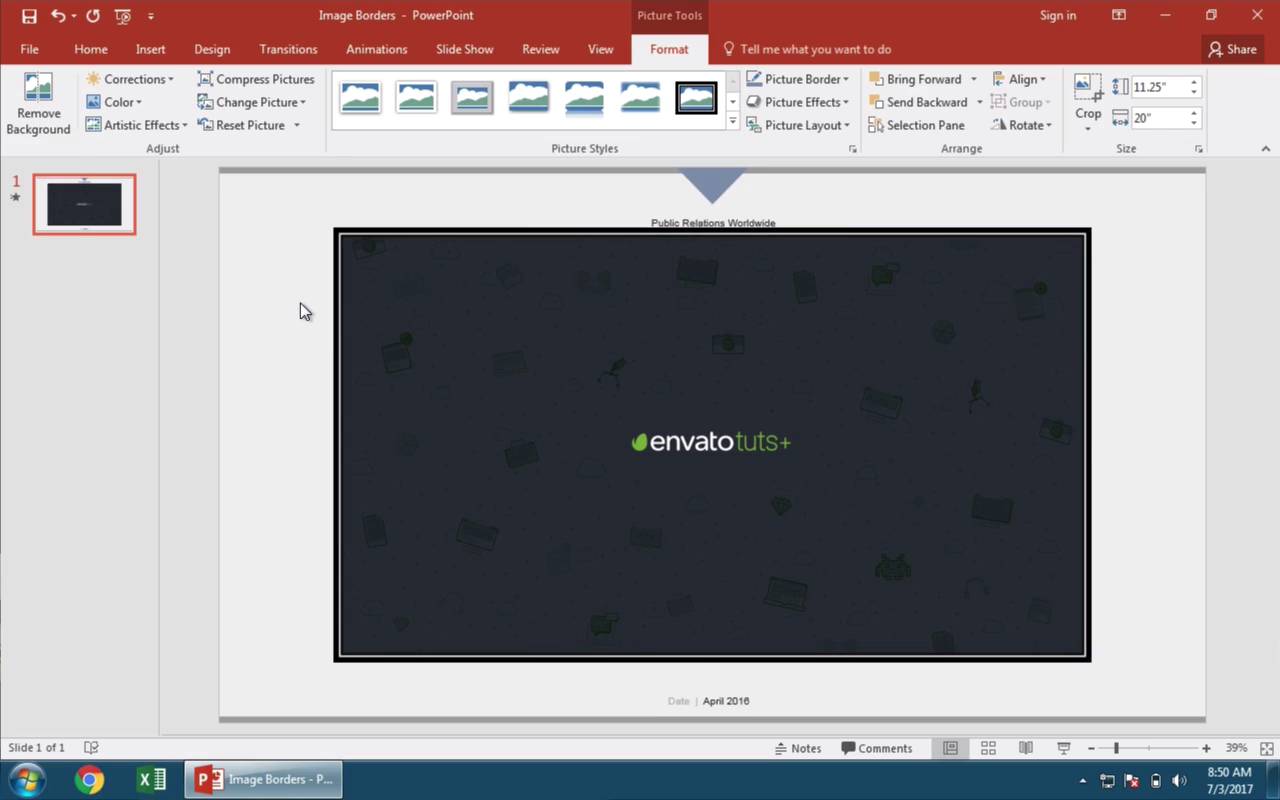
Let's get started with an image of place on the slide here in PowerPoint. I've got the image selected.
And here on the Picture Tools > Format menu on the ribbon, we can set an image border. My favorite way to set up borders style is to use one of these built-in picture styles, which are a variety of border styles you can apply to the frame of your image.

2. Apply the PowerPoint Image Border to Your Image
I'll click one to apply it to an image. You can see we've added a border design quickly.

3. Apply More Picture Border Design Options
Another option to really fine-tune the way our borders will appear is to come up to the Picture Border section, and select a color from the color chooser. And now I'll go down and choose a weight to pick the thickness of the border on that image.

Finishing Up!
And finally you could return to the menu and chose an entirely different type of border like dotted or dashed. These borders can add a bit of distinction and set an image apart on a PowerPoint presentation slide. And there's a ton of ways you can do them.
More Great Envato Tuts+ PowerPoint Tutorials
Learn more in our PowerPoint tutorials and quick video tutorials on Envato Tuts+. We have an assortment of PowerPoint material to help you make a great presentation:
 How to Work With Images in PowerPoint (Complete PPT Picture Guide)
 How to Quickly Edit PPT Slide Background Graphics Using PowerPoint
 How to Make Great PPT Slide Layouts in Microsoft PowerPoint
You can also find great PowerPoint presentation templates with premium designs on GraphicRiver or Envato Elements. Or, browse through our selection of the best Microsoft PowerPoint designs:


 By
By



