


Rome wasn’t built by one man, it was built by a team working together. Building Rome took hundreds of years to build. But today, modern teams are fortunate. They have access to great software that can help them work more efficiently.
In fact, there's so much good software available that it might even feel overwhelming! In fact, there’s almost too much good software. How do you pick the right tools for you and your small business?
Well, we’re here to help!


Why Use Online Collaborative Software?
Online collaborative software is a game-changer for teams and businesses. It streamlines the process of working together, whether your team is in one office or spread across different locations. These digital tools make it easy to share ideas, assign tasks, and track progress in real time. They eliminate the need for excessive emails and reduce the chance of miscommunication.
Online collaborative software often comes with features that enhance productivity. These may include shared calendars, project management tools, and file-sharing capabilities. It's not just about making collaboration easier. It's also about making it more efficient. By using online collaborative software, your team can achieve more in less time.
How to Assess Your Online Collaboration Tool Needs



Choosing the right collaboration software can significantly enhance your team's productivity and efficiency. But with so many remote collaboration tools available, how do you know which one is the best fit for your needs?
Here are some key features to consider when selecting collaboration software for your team:
- User-Friendly Interface: The online collaboration tools should be easy to use. If it's too complex, your team will not be as productive as they can be.
- Real-Time Collaboration: Look for software that allows your team to work together in real time. This feature can help to improve communication and streamline the work process.
- File Sharing and Storage: Remote collaboration tools should provide an easy and secure way to share and store files. This allows everyone on the team to access necessary information at any time.
- Project Management Features: Tools such as task assignment, deadline tracking, and progress updates can be beneficial. They help to keep everyone on track and ensure that projects are completed on time.
- Integration Capabilities: The software should integrate well with other tools your team is already using. This makes the transition smoother and improves the workflow.
- Email and Communication
- Gmail
- Slack
- Yammer
- Help Scout
- Skype
- GoToMeeting
- Asana
- Trello
- Basecamp
- Microsoft Office 365
- Google Docs
- Quip
- GitHub
- Zoho Writer
- Dropbox
- Google Drive
- Box
- OneDrive
Top 20 Online Communication Software 2023
Communication is at the core of all collaboration. Your employees need a way to keep in touch with each other, from wherever they work from. It's important to know what other team members are working on, and even just socialise a bit. These collaboration software will all do that and much more for your small business:
Email and Communication
People often criticize email. But before you spend a lot of time and effort teaching your staff to use new tools, think about this. It might actually be easiest to just stick with using email.
Everyone already has it and knows how to use it. As long as you’re mainly doing semi-regular one-to-one communication, it works great. It’s only when you’re sending hundreds of messages to dozens of different people that it breaks down.
Here are some of the best online communication software options for small businesses and teams. These options range from email, team messaging apps, Voice Over IP (VOIP), video messaging, and more.
1. Gmail


Gmail is a very popular email app and collaboration platforms. Over 1 billion people use it. One reason for its popularity is that it's part of Google Drive. This means it easily works with other Google software.
It also has an intuitive interface. This team collaboration software packs in lots of features you can make use of, such as: Undo Send, Email Forwarding, powerful search, and more.
Learn more about how to work with this secure collaboration tool, Gmail in our comprehensive series: How to Use Gmail (Ultimate Beginner Guide). Or, get started with one of these helpful tutorials:

 How to Create a New Gmail Account (Quick Start Guide)


 How to Compose and Send Your First Email With Gmail
Note: While we've listed Gmail here, but Microsoft Outlook is also quite popular. There are a number of other professional email apps your team could use. Discover more options:


2. Slack
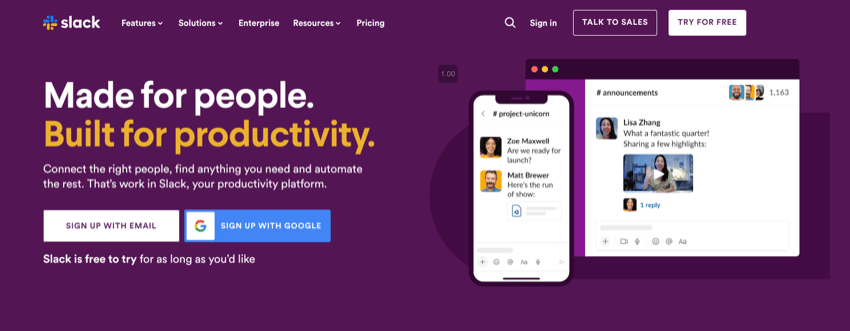

Slack is the latest darling in the online collaboration world and for good reason. It’s like a supercharged version of AOL Messenger that integrates with most of the other services on this list. If you need collaboration services where everyone can contribute or chat privately, it’s a great app to use. Slack can replace much of your email communication for some teams. Give it go to see how it works for your group.
3. Yammer


This remote collaboration tool features include internal and external collaboration, seamless integration with Office 365, efficient information sharing, open and dynamic communication across your organization.
One of the main benefits of using this collaboration app is its ability to improve collaboration and communication within an organization. Yammer simplifies collaboration by making messages visible from people who might not expect to be able to help with a question or challenge. People who are not in the same team or work at the same department can easily help each other through Yammer and everyone can share knowledge at the right moment.
4. Help Scout



Help Scout is an email collaboration software that is designed to help customer support teams manage their email communication more efficiently. Some of the key features of Help Scout include an intuitive interface that requires minimal training, increased collaboration among teams, better organization of customer data, and integration with customer relationship management (CRM) software and other third-party systems.
One of the main benefits of using this collaboration tool is its ability to improve team productivity. The platform allows teams to level-up their teamwork, organize their inbox, and automate repeated tasks so they can respond to more customers.
5. Skype


Skype is the biggest VOIP platform. Almost everyone you’d ever want to work with will already have an account. While it might not be the best software for large conference calls, if you need to get four or five far flung people together in one virtual room, this online collaboration tool is a great and free way to do it.
6. GoToMeeting

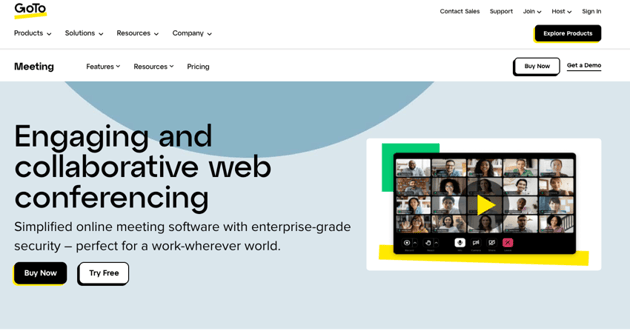
While Skype beats GoToMeeting on simplicity, GoToMeeting is far more fully featured collaboration platforms. If you need to run conference calls like they’re proper meetings with a dozen or so people there, then it’s the app to use. You can also add people without them needing to sign up for an account. Just send your new potential hire or customer a URL and they’ll be able to join in.
Online Project Management Software
Most projects aren’t as quick and easy as the articles we work on at Tuts+. Your team could be working on something for months or years with no end date in sight. How then, do you keep track of progress, divvy out tasks, and make sure things are moving forward, however slowly?
The best project management software tools are made to help with big projects. They let you break down big projects into smaller tasks. You can then assign these tasks to people online. These tools also keep a record of what's been done. They can help manage a big project from start to finish.
Here are some powerful project management apps your team can use:
7. Asana

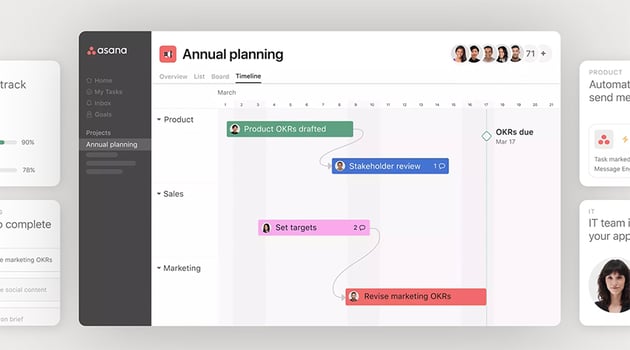
Asana is a great way to break projects down into tasks and track them to completion online.
This team collaboration software is highly customizable so it will fit most different kinds of projects. You can assign tasks, see who’s working on what, make deadlines, discuss tasks, and much more as you progress through a major project. It's also one of the most secure collaboration tools.
8. Trello![]()


Trello is a really simple board based project management app that we use for assignment planning use at Tuts+. You can create as many Cards and Columns as you need with these team collaboration tools.
For example, you can have a Columns each for To Do, Doing, and Done, and then assign every task a Card. Each Card moves across the Board as work progresses.
It's also really easy to communicate on project specific tasks using Trello's commenting system.
9. Basecamp
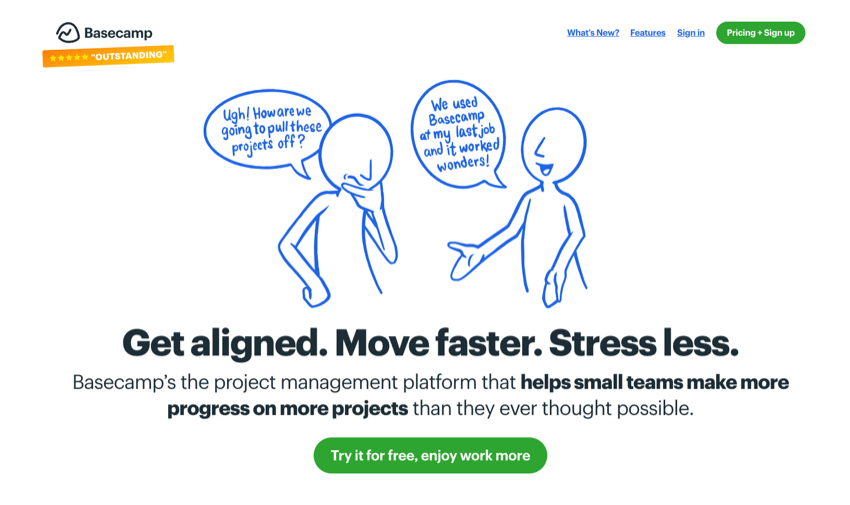
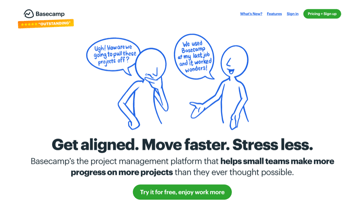
For more involved projects at Tuts+, like creating courses, we use Basecamp. It’s hard to explain simply what Basecamp does because it does pretty much everything.
This secure collaboration tool is a communication system, project management app, and a lot more. If you need a single solution to your collaboration, it’s a good app to consider.
It’s one of the most secure collaboration tools. It's powerful, but easy to use.
Online Document Collaboration Software
One of the most frequent collaborative tasks is creating and editing documents.
Whatever business you’re in, there’s a good chance you need some way for more than one person to weigh in on files as they’re being made.
You might need to do a presentation for investors or a risk assessment for regulators. Or, you might need to do other things that are usually done in Microsoft Word.
10. Microsoft Office 365
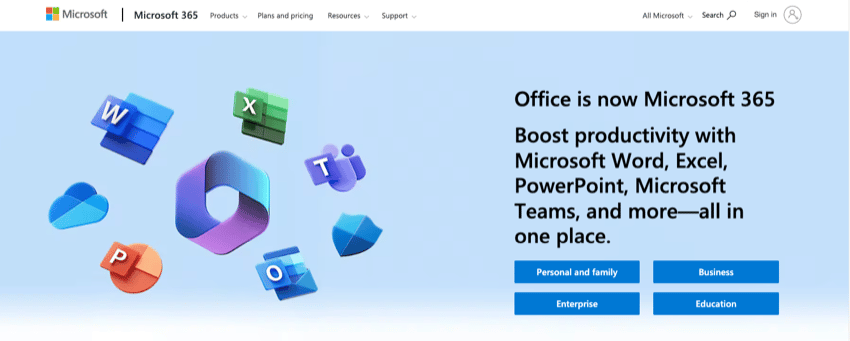
Microsoft looked like they were falling behind for a while but they’ve regained their footing. The Microsoft Office suite (as long as you’re signed up to their Office 365 subscription plan) offers a full range of online collaborative tools.
Multiple people can work on the same Word document at the same time all from their own regular copy of Word. Collaboration services like this one is among the most popular in the world for a reason!
11. Google Docs


Before Microsoft got their act together, Google Docs was eating their lunch. Only available through your browser, Google Docs is at its best when people our collaborating online.
As a word processor it’s streamlined, but as a suite of tools for people to work on documents together it’s robust. Multiple people can all work on the same document at the same time, leaving each other notes, and making edits—all from multiple locations.
12. Quip
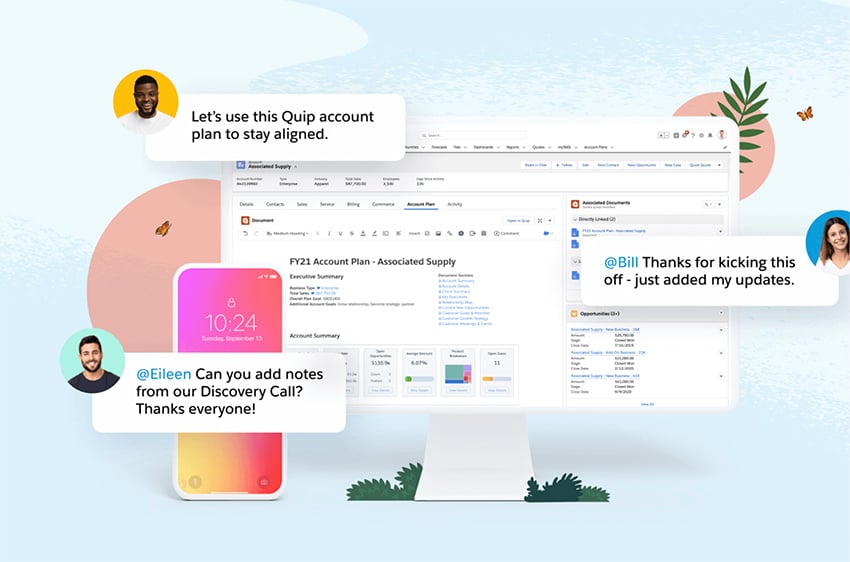
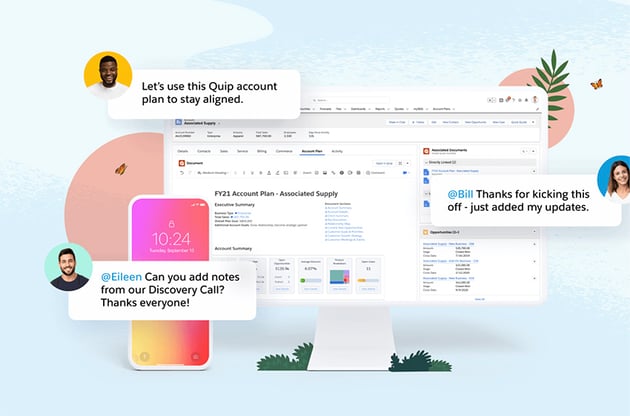
Quip is like Google Docs taken to its logical extreme. This tool remote collaboration tool combones features from a few different areas. It has all the features of a collaborative document editor. On top of that, it also has some advanced project management tools.
If the only work your team does is work on documents together (such as spreadsheets and text documents), it’s a great way to go.
13. GitHub



Documents aren’t the only things people collaborate on. Computer code is one of the most important collaborative works of a lot of companies. Hundreds of programmers can all be working on the same core project at once.
This open source collaboration software is the best tool for making sure that everything is kept in order. Each person has a working copy of the code on their own computer. When they make changes they “Push” it to GitHub which keeps everything managed. If one person’s changes break things, it’s easy to roll them back. If your team is collaborating on code, GitHub is essential.
14. Zoho Writer
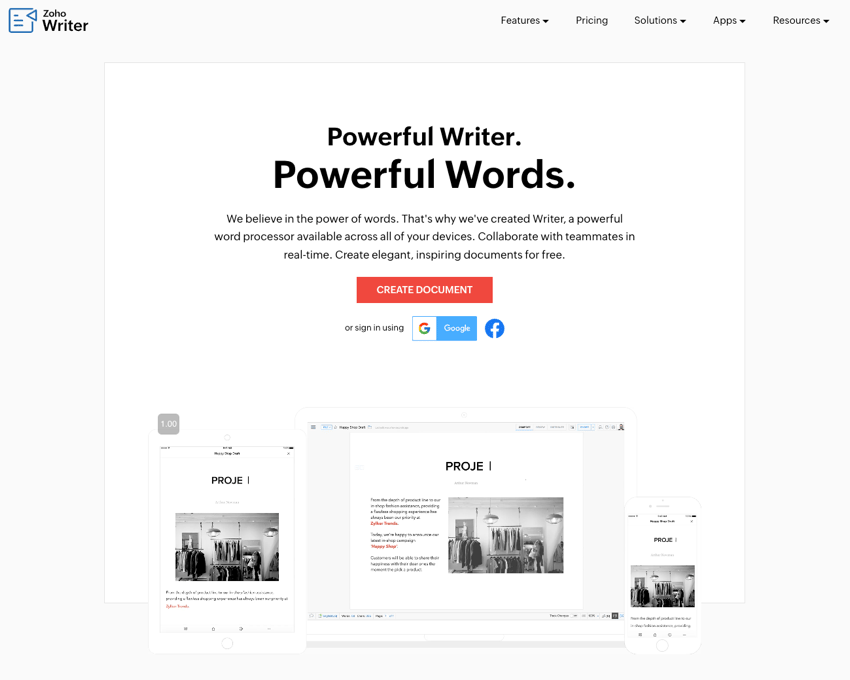
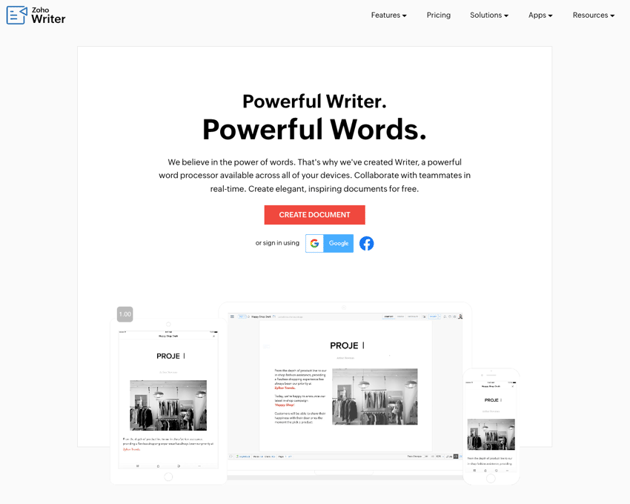
Zoho Writer allows for live collaboration with team members, and includes a writing assistant to help with grammar, readability, and other issues.
Zoho Writer also offers integration with WordPress and Blogger, the ability to open and edit Word Documents, and the option to lock certain parts of a document.
This collaboration app also provides a large number of templates, offline editing even in your browser, and is completely free.
Online File Sharing Software
Collaborating on certain types of documents can be easy. But for other types, like large video files, it's more challenging. These files need to be synced between computers.
Thankfully, there are many good file sharing options available. These can help your team keep large files or other needed resources synced. They can even help keep things like meme collections in sync!
15. Dropbox



Dropbox is easy to use and accessible from anywhere, making it an ideal platform for backing up information. Dropbox also offers easy sharing of files and a flexible array of collaborative tools.
For premium subscribers, Dropbox offers solid offerings such as automatic file backup and synchronization, offline functionality, and digital signatures enabled.
One of the biggest advantages of using Dropbox as a cloud service is that it integrates seamlessly with almost every other app and web service. Dropbox also acts as a supported app on IFTTT and Zapier, and rarely faces any compatibility issues with other apps2.
16. Google Drive
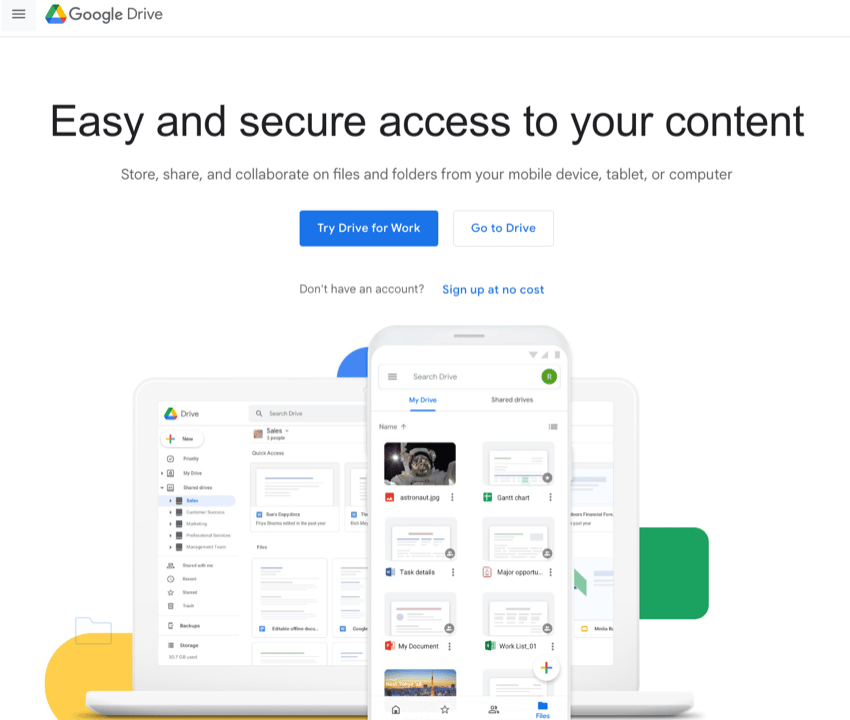
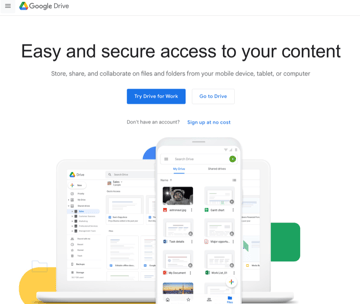
The popularGoogle Drive provides easy access to file contents, advanced encryption protocols to protect files, and easy integration with other tools. Google Drive supports more than a hundred different file types and offers quick execution of tasks. It also provides encrypted and secure access to files, proactive scanning and removal of files when malware, spam, ransomware, or phishing is detected, and is cloud-native.
17. Box
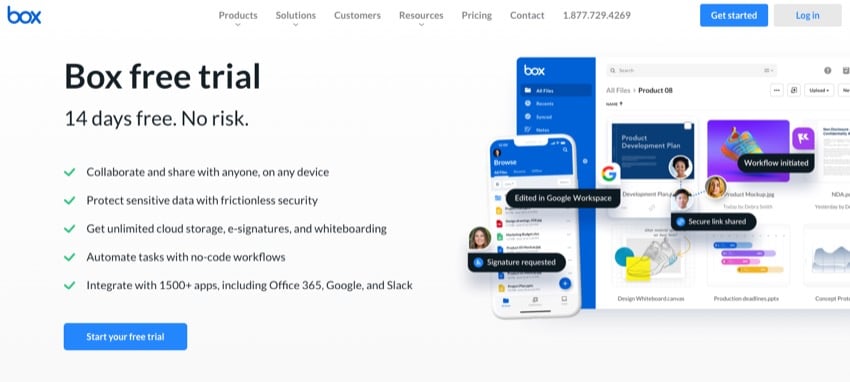
Box includes collaboration tools, solid SSL encryption, tools that work with your installed office suites, and admin controls. Box enables the secure and reliable synchronization of your files and folders, as well as easy file sharing and team collaboration. Box is equipped with enterprise-grade security, with encryption of documents in transit and at rest.
Box’s capabilities go beyond only cloud storage. You can upload files and folders and use shared links to actively collaborate on them in real time, with people inside and outside of your organization. You can also control permissions on a per-user basis, and even enable view-only access by locking a file from edits with Box Drive.
18. OneDrive
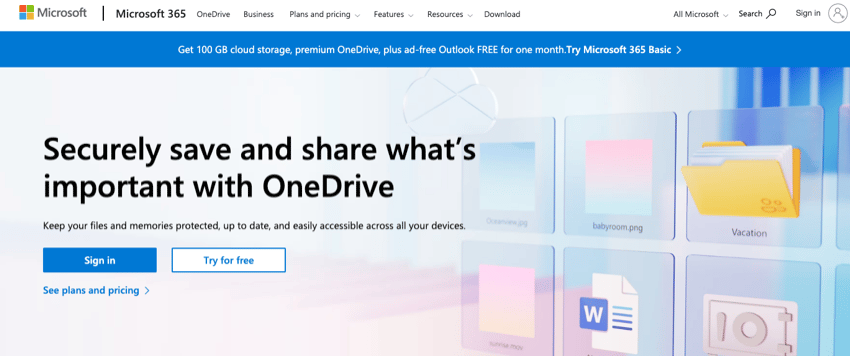
OneDrive provides unlimited file access anytime, from anywhere, for collaboration. It also serves as an organizational platform for files, freeing up device storage, and allowing content to be shared across teams, large or small.
OneDrive also offers a customizable sync experience for admins and securely stores files and information. It supports multimedia and integrates well with Windows and Microsoft 365, providing strong online photo presentation and management, as well as powerful file sharing and collaborative editing.
Learn More About Great Tools For Your Business
Having the right set of software for your business is essential for your success.
Don't miss out on these resources that will help you level up your businesses productivity and efficiency.

 40 Best Small Business Software Tools and Online Apps


 10 Best CRMs For Better Small Business Sales Management in 2024

.jpg)
.jpg) 15+ Top Business Web Video Conferencing Software Free + Paid (New Video Review)
15+ Top Business Web Video Conferencing Software Free + Paid (New Video Review)

 12+ Best Document Management Software to Use in 2024

Find High-Quality Creative Assets for Your Business (With Unlimited Use)
Working with professional templates and creative assets in your projects is a must for your business. You'll save time and deliver high-quality products. Envato Elements has just what you need!
Get unlimited downloads of PowerPoint templates, document templates, photos, fonts, blog templates and other business tools. All for a low monthly fee!
Envato Elements is the best place on the web for business owners and content creators.

Envato Elements has thousands of high-quality creative assets. It's one of the best values out there for business professionals today. With the unlimited downloads, you'll be able to try out all types of options in your upcoming projects.
Here's how you benefit from using Envato Elements:
- save money by not having to hire professional graphic designers
- save time by starting with an already professional design
- generate new ideas with all the fresh creative assets
- focus on other parts of your creative project
Download Collaboration Software Today!
Collaboration is a key part of almost any business and thankfully, there are great online collaboration tools to do it. The hardest thing is to pick one software tool to do a job and stick with it, rather than constantly getting distracted by the newest, shiniest app.
In this article, I’ve looked at some of the best online collaboration tools available to businesses and teams of any size. Have a look at each one and see if it meets your needs. Most have free trials so there’s no harm in trying them out. There’s no one size fits all approach to project management so don’t be afraid to adapt them to your needs.
Be sure to check out Envato Elements as there are tons of resources that you can use in your business.
 By
By


